Your Remote Work Technology Stack Is Either Keeping Your Best People — or Pushing Them Away
Ask any HR director what's driving turnover in 2026, and you'll hear the usual suspects: compensation, culture, career growth. But buried in exit interview data across industries is a problem most business leaders aren't taking seriously enough — bad technology.
According to a 2025 Ivanti Everywhere Work Report, 49% of employees said they'd consider leaving their job due to poor digital tools and technology frustrations. Another study from Qualtrics found that employees who rate their digital employee experience (DEX) as poor are 2.6 times more likely to leave within the year.
We're not talking about minor inconveniences. We're talking about VPNs that drop during client calls. Collaboration tools that duplicate work instead of eliminating it. Security policies so restrictive that people route around them entirely. Laptops that take seven minutes to boot. Help desk tickets that don't get resolved for days.
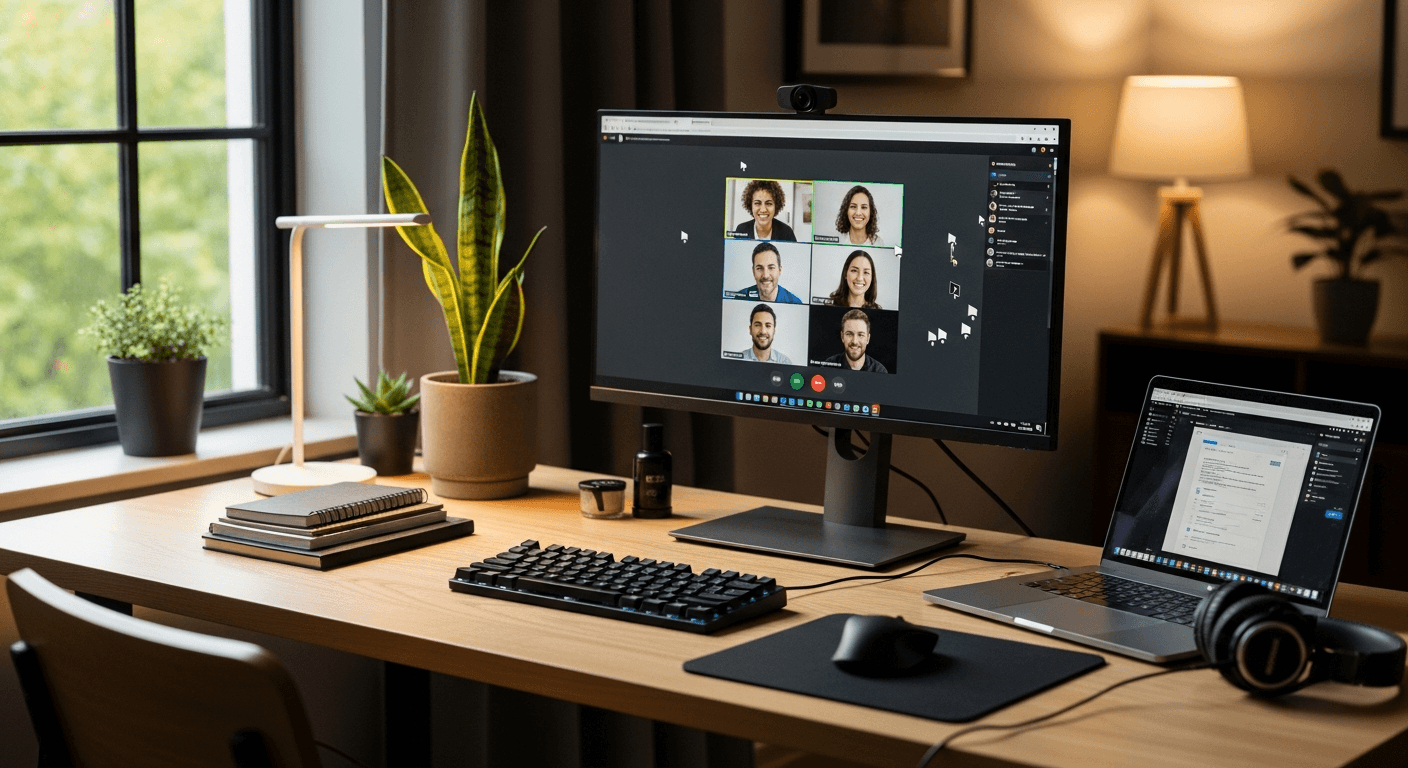
For hybrid and remote workers — who don't have an IT person down the hall — these friction points compound daily. And in a labor market where skilled knowledge workers still have options, your technology stack is now a talent strategy whether you've designed it that way or not.
This post breaks down what Digital Employee Experience (DEX) actually means in 2026, where most businesses are failing, and what IT and business leaders can do to build a remote work environment that retains people as effectively as it protects them.
What Is Digital Employee Experience — and Why Is It a Business Priority?
Digital Employee Experience, or DEX, refers to the sum of every interaction an employee has with the technology they use to do their job. That includes hardware, software, network connectivity, security tools, collaboration platforms, IT support quality, and the invisible friction created when those things don't work together smoothly.
DEX isn't a soft metric. It has hard business consequences:
- Lost productivity: Gartner estimates that employees spend an average of 22 minutes per day dealing with technology issues — that's nearly two weeks per year, per employee.
- Security risk: Frustrated employees are more likely to circumvent IT controls, adopt shadow IT, or ignore security warnings they see as obstacles.
- Recruitment costs: The average cost to replace a mid-level employee ranges from 50% to 200% of their annual salary. If bad tech accelerates even a handful of departures per year, the ROI on fixing it becomes obvious.
- Customer impact: When your people can't access systems reliably, customers feel it too — in delayed responses, dropped calls, and service errors.
The shift to hybrid work accelerated DEX as a discipline because it separated "access to IT support" from "access to technology." In an office, a malfunctioning laptop is a ten-minute problem. At home, it can be a two-day ordeal that derails a week.
Where Businesses Are Getting DEX Wrong in 2026
1. Treating Security and Usability as Opposites
This is the most pervasive and costly mistake we see at Layer27. IT teams — often under pressure from compliance requirements or cyber insurance mandates — layer security controls on top of employee workflows without considering the user experience. The result: employees who feel like their own tools are fighting them.
Multi-factor authentication prompts that fire every hour. VPN clients that kill productivity apps while connected. Overly aggressive DLP (data loss prevention) policies that block legitimate file sharing. Endpoint detection tools that throttle CPU performance.
None of these controls are wrong in principle. The problem is implementation. Security doesn't have to mean friction — but it requires thoughtful design.
A well-architected Zero Trust environment, for example, can actually reduce login friction for employees working from trusted devices in known locations while increasing scrutiny for anomalous behavior. That's security working with the user, not against them.
When we design environments for clients through our Safe Start and Protect Pro services, one of our core principles is that security controls should be nearly invisible to compliant users and highly visible to attackers. That's a DEX win and a security win simultaneously.
2. Ignoring the Home Network Problem
Corporate-managed endpoints get a lot of attention. Home networks get almost none — and yet they're the foundation that remote work sits on.
A 2025 HP Wolf Security report found that 70% of remote workers connect corporate devices to home networks shared with smart TVs, gaming consoles, personal phones, and other unmanaged devices. That's a security problem, yes — but it's also a performance and reliability problem.
Network congestion, outdated routers, ISP throttling, and interference from consumer IoT devices all degrade the experience of video calls, cloud app performance, and VPN throughput. And most businesses have no visibility into any of it.
Progressive companies in 2026 are addressing this in two ways: First, by providing stipends or hardware recommendations for home network equipment. Second, by moving away from backhauled VPN architectures toward Secure Access Service Edge (SASE) and cloud-delivered security models that route traffic more intelligently and don't require all data to pass through a corporate data center before reaching the internet.
3. Underinvesting in Endpoint Performance
A slow, unreliable device is the most immediate and personal DEX failure an employee can experience. Yet many businesses are still running hardware on four- and five-year refresh cycles, deploying underpowered machines to remote workers, and then wondering why productivity metrics are soft.
In 2026, the minimum viable remote worker endpoint needs to handle simultaneous video conferencing, cloud application access, endpoint protection agents, and increasingly, local AI-assisted tools like Microsoft Copilot. The hardware requirements for that workload are meaningfully higher than they were three years ago.
Businesses using Infrastructure Pro or Co-Managed IT arrangements typically get better visibility into fleet-wide performance data — CPU utilization, memory pressure, boot times, crash rates — which makes hardware refresh decisions data-driven rather than anecdotal.
4. Providing Reactive IT Support to Remote Workers
In an office, IT support has a physical presence. For remote workers, "IT support" often means submitting a ticket and waiting — sometimes for days — while their ability to do their job is degraded or nonexistent.
This is a DEX failure with compounding effects. The immediate problem is lost productivity. The downstream effect is that employees learn not to trust IT support, start solving their own technology problems in unauthorized ways, and disengage from IT security programs because they see IT as an obstacle, not a partner.
24x7 availability of IT support isn't a luxury for distributed workforces — it's a baseline expectation. Employees working across time zones, or putting in hours outside of 9-to-5, need to know that help is available when they need it, not when the IT help desk is staffed.
Layer27's Co-Managed IT model is specifically designed to extend this capability for businesses that have internal IT staff but lack the coverage depth to support a distributed workforce around the clock.
Building a DEX Strategy That Actually Works
Start With a Digital Experience Audit
You can't improve what you don't measure. A meaningful DEX audit goes beyond asset inventory — it captures how employees actually experience their technology, where friction occurs, and which issues are most costly.
Tactically, this means:
- Endpoint telemetry: Real-time performance data from managed devices — boot times, application crash rates, memory and CPU utilization, patch status.
- Employee sentiment surveys: Short, regular pulse surveys specifically about technology experience (not buried in annual engagement surveys).
- IT ticket analysis: Categorizing and trending support tickets to identify systemic issues versus one-off problems.
- Application usage data: Understanding which tools employees actually use versus which ones have been deployed and ignored.
Many DEX platforms — including tools from Nexthink, Lakeside Software, and 1E — provide this telemetry natively. But even without a dedicated platform, the data exists in most modern endpoint management stacks if you know where to look.
Align IT Policies With Actual Work Patterns
Remote and hybrid work has fragmented the "standard workday" beyond recognition. Employees are working earlier, later, and in shorter bursts across time zones. IT policies designed for a 9-to-5 office environment — maintenance windows, patch deployment schedules, forced restarts, session timeouts — create unnecessary disruption when applied unchanged to distributed teams.
Review your IT policies through the lens of when and how your employees actually work. Scheduled maintenance windows should avoid peak usage hours for your specific workforce, not just the default 2:00 AM window that made sense a decade ago.
Make Security Training Part of the Experience, Not an Interruption
One of the most common ways businesses damage DEX inadvertently is through poorly designed security awareness training — mandatory annual modules that feel punitive, disconnected from real threats, and irrelevant to daily work.
Modern Security Awareness Training programs take a different approach: short, frequent, contextually relevant micro-trainings that meet employees where they are and connect security behaviors to their actual job responsibilities. When an employee understands why they shouldn't click a suspicious link — and trusts that IT has their back if they make a mistake — they're a security asset, not a liability.
This also means building a culture where reporting suspected threats is encouraged and celebrated, not something employees avoid because they're afraid of getting in trouble.
Build Resilience Into the Remote Work Stack
DEX isn't just about the good days — it's about what happens when something goes wrong. For remote workers, technology failures that would be minor inconveniences in an office can become full-day outages.
Businesses that take DEX seriously invest in resilience at every layer:
- Device redundancy: Do remote employees have a backup option if their primary device fails?
- Application redundancy: If a primary SaaS tool goes down, is there a fallback workflow?
- Data protection: Are locally cached files and documents backed up, or is a failed device also a data loss event?
Backup-as-a-Service (BaaS) and Disaster Recovery-as-a-Service (DRaaS) aren't just for data center scenarios — they apply to endpoint environments too. A field sales rep who loses a laptop on a Tuesday afternoon shouldn't lose a week of work along with the hardware.
Don't Overlook Compliance as a DEX Factor
This one surprises people: compliance requirements — HIPAA, PCI-DSS, CMMC, and others — significantly shape what remote work technology looks like. And when compliance controls are implemented poorly, they create some of the worst DEX friction imaginable.
Employees in regulated industries often face the most restrictive technology environments, which makes thoughtful implementation even more critical. The goal isn't to choose between compliance and usability — it's to design compliant environments that don't make people's jobs miserable.
Layer27's Compliance practice includes assessments of how current controls affect employee workflows, not just whether they satisfy regulatory requirements on paper. Because a control that employees route around isn't actually protecting anything.
Invest in Proactive Monitoring, Not Just Reactive Response
One of the most powerful DEX investments a business can make is shifting from reactive to proactive IT operations. Rather than waiting for employees to report problems, proactive monitoring identifies issues before they affect users — or catches them in the earliest stages before they become full outages.
This is foundational to how Layer27's Managed Detection & Response (MDR) and 24x7 SOC capabilities work on the security side — continuous monitoring that catches threats before they detonate. The same philosophy applies to IT operations: continuous monitoring of endpoint health, application performance, and infrastructure status enables IT teams to fix problems before employees even notice them.
The Cloud Architecture Behind a Great Remote Work Experience
The technology stack powering remote work has evolved significantly. Businesses that built their remote capabilities on legacy VPN and on-premises infrastructure during the 2020 scramble are now living with the technical debt of that approach.
In 2026, the architecture that supports the best remote work experiences typically combines:
- Cloud-delivered security (SASE, SSE) that protects users wherever they are without degrading performance
- Cloud-hosted applications (Public Cloud or Hybrid Cloud) that provide consistent performance regardless of user location
- Identity-centric access control that replaces network perimeter security with user and device trust signals
- Modern endpoint management (Microsoft Intune, Jamf, similar) that enables zero-touch provisioning and remote remediation
For businesses earlier in their cloud journey, Layer27's CloudStart service provides a structured path to cloud adoption that accounts for remote work requirements from day one — not as an afterthought. For organizations with more complex needs, Hybrid Cloud and Private Cloud architectures can address performance, compliance, and data sovereignty requirements that pure public cloud solutions don't always satisfy.
What Business Leaders Should Do This Quarter
If you're a business leader or IT decision-maker reading this, here are concrete actions you can take in the next 90 days:
-
Run a DEX pulse survey. Ask your remote and hybrid employees specifically about their technology experience. Keep it short — five to seven questions. The data will be illuminating.
-
Pull your IT ticket data. Identify the top five recurring issues. Treat them as a priority fix list, not just an operational queue.
-
Audit your endpoint fleet performance. If you don't have telemetry, start with anecdotal data from your IT team. Which devices generate the most tickets? When did they last go through a refresh?
-
Review your remote work security controls. Not for whether they're present, but for how they affect user experience. Talk to employees in different roles. You may find controls that create enormous friction with minimal security value.
-
Evaluate your IT support model. Does your help desk coverage match your workforce's actual hours? If not, that's a DEX gap with a measurable cost.
-
Connect DEX to retention metrics. Work with HR to correlate technology satisfaction scores with turnover data. If there's a relationship — and there almost certainly is — you'll have the business case you need to invest in improvement.
The Bottom Line
Digital Employee Experience is no longer a nice-to-have. In 2026, the quality of the technology environment you provide to remote and hybrid workers directly influences their productivity, their security behavior, and their decision to stay or leave.
The businesses winning the talent game aren't necessarily the ones with the biggest compensation packages. They're the ones where technology gets out of the way, IT support is responsive and trustworthy, and employees can do their best work from anywhere without fighting their own tools.
That requires intentional design — not just a collection of tools you've accumulated over the years.
Ready to Evaluate Your Remote Work Technology Stack?
At Layer27, we help businesses across the United States build remote and hybrid work environments that balance security, performance, and user experience — without the tradeoffs that frustrate employees and drive up turnover costs.
Whether you're looking to modernize your endpoint management, redesign your cloud access architecture, improve IT support coverage, or build a security program that employees actually trust, we're here to help.
Contact Layer27 today to schedule a conversation about your remote work technology strategy. No sales pitch — just a practical discussion about where you are and where you want to be.